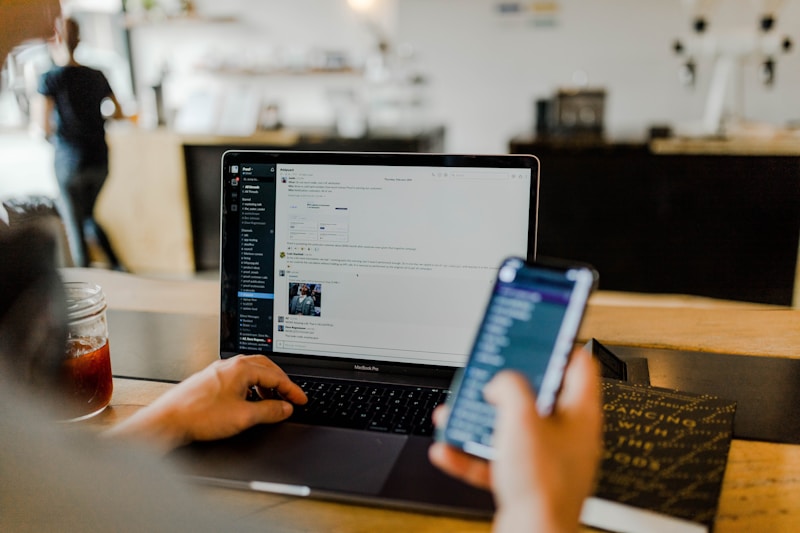
If you’re spending 3+ hours daily answering emails, AI can cut that time dramatically. Here’s how to work smarter, not longer.
📋 Table of Contents
The 7 AI Email Management Tips You Need in 2026
Email management is one of the most time-consuming tasks for administrative assistants. According to a McKinsey study, workers spend an average of 28% of their workday reading and answering emails. AI tools can dramatically reduce this burden.
💡 Key insight: The administrative assistants who embrace AI email tools are saving 10-15 hours per week — time they can redirect to strategic tasks that make them irreplaceable.
1
Use AI Draft Responses
AI-powered email clients like Gmail and Outlook now suggest reply drafts. Instead of typing your full response, review and edit the AI-generated draft. This can cut email response time by 50-70%.
How to implement:
- Enable smart compose in your email settings
- Review suggested responses before sending
- Add your personal touch to maintain relationships
2
Set Up Smart Email Categorization
AI can automatically categorize emails into folders: Urgent, Action Required, FYI, and Archive. According to Grammarly’s business research, professionals who use AI categorization report 40% fewer missed emails.
| Category Method | Time Saved/Month | Reliability |
|---|---|---|
| Manual sorting | ~8 hours | High |
| Basic filters | ~12 hours | Medium |
| AI categorization | ~20 hours | High |
3
Leverage Email Templates with AI
Create standard email templates for common inquiries. AI tools like Microsoft Copilot can fill in the details automatically based on context. This is especially useful for:
- Meeting requests confirmations
- Travel itinerary updates
- Document request follow-ups
- Executive briefing summaries
4
Automate Follow-Up Reminders
AI-powered reminder systems can automatically follow up on emails that haven’t received responses. Tools like Boomerang use AI to determine the best follow-up timing based on recipient behavior patterns.
💡 Key insight: AI-optimized follow-up timing increases response rates by 25-35% compared to fixed-time follow-ups.
5
Use AI for Priority Inbox Sorting
Both Gmail and Outlook now offer AI-powered priority inbox features. These tools analyze your past behavior to surface the most important emails first. According to Google Workspace research, priority inbox can reduce email triage time by up to 65%.
6
Create AI-Analyzed Email Templates
AI tools can analyze your sent emails to identify patterns and suggest optimized templates. For example, if you frequently schedule meetings, AI can suggest a template that includes all necessary details in a format recipients respond to faster.
Best practices for AI-optimized templates:
- Keep subject lines under 50 characters
- Include clear action items in the first sentence
- Add deadlines in bold
- Include a specific ask or question
7
Batch Process Email During Off-Peak Hours
Use AI scheduling tools to set specific email processing times. Instead of checking email continuously, batch process during optimal hours. Research from Indeed suggests that 9-11 AM and 2-4 PM are peak response times for business emails.
⚠️ Common mistake: Checking email every 10 minutes disrupts focus and can reduce productivity by up to 40%.
📚 Explore More
- AI Career Protection Guide – Comprehensive guide to securing your job
- AI Skills for Career Growth – Learn the skills that matter
- About Us – Learn more about our mission
- Contact – Get in touch
Ready to Future-Proof Your Career?
Download our comprehensive AI-Proof Guide and learn the exact skills that will keep you irreplaceable in 2026.
💬 What’s your biggest email management challenge?
Share your experience in the comments below!